Cash Canopy
Everything you need to manage your personal expenses
Built for smarter tracking
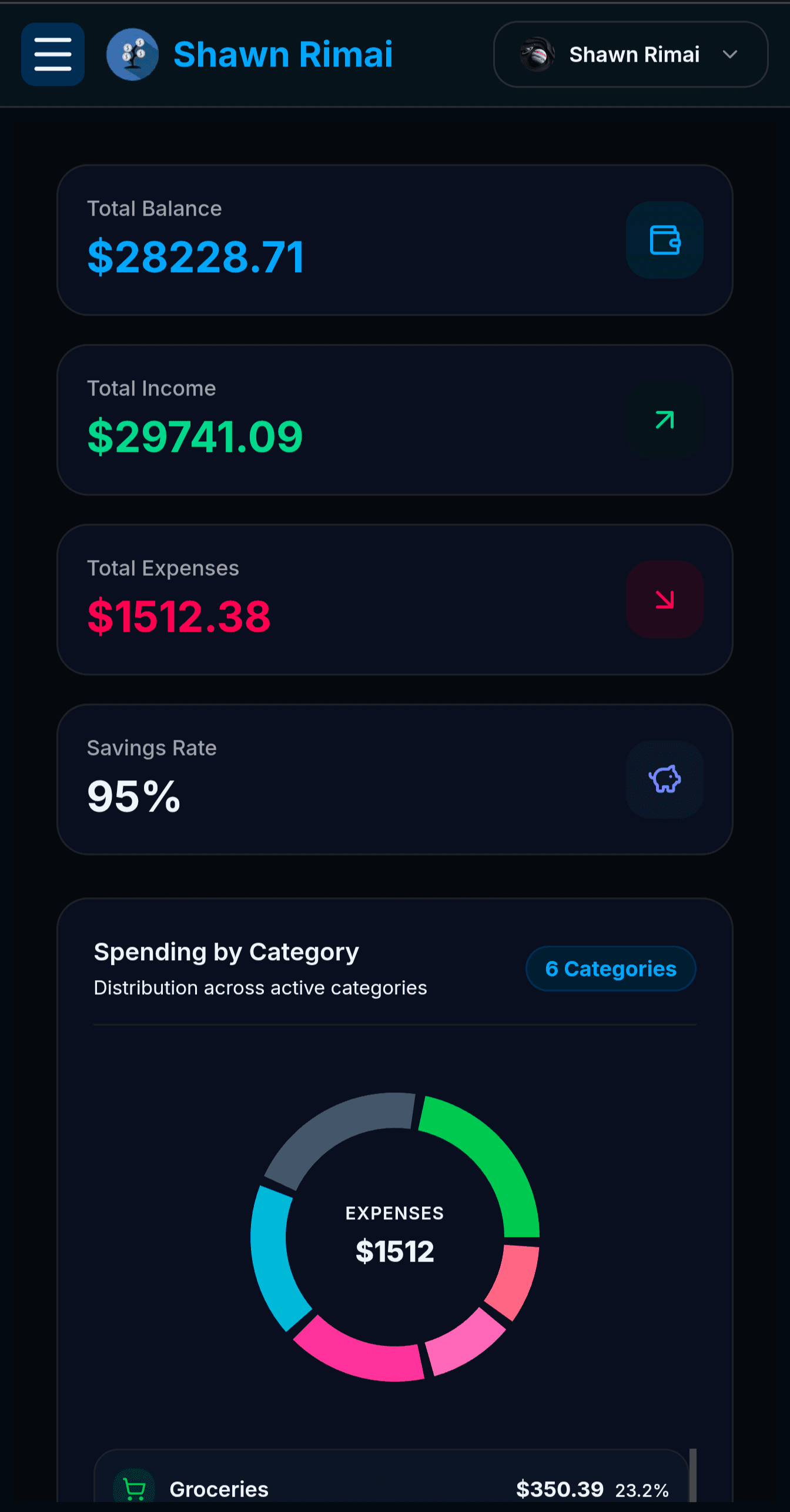
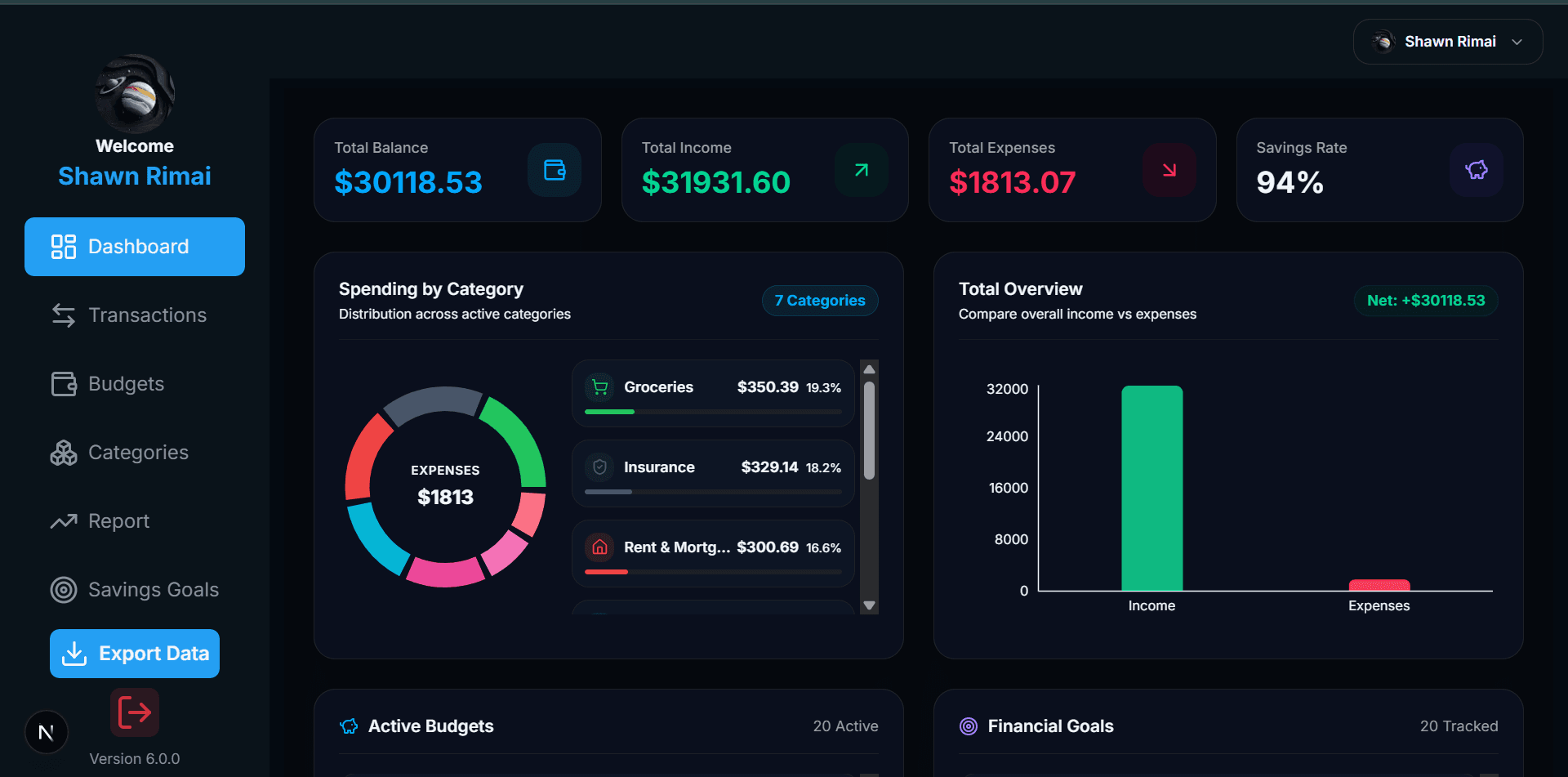
1. Monitor Your Dashboard
Get an instant overview of balances, income, expenses, savings rate, spending activity, and tracked financial goals.
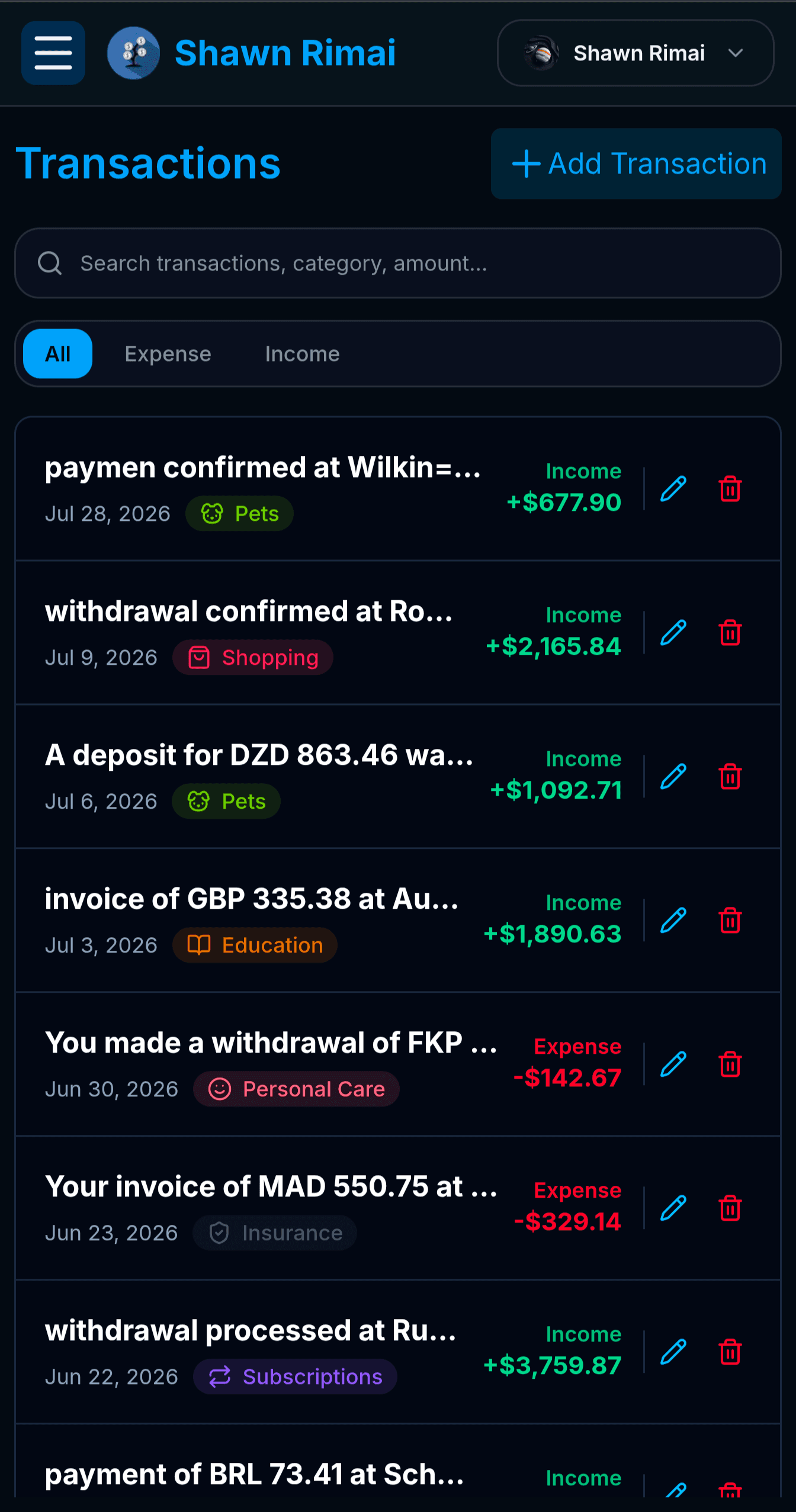
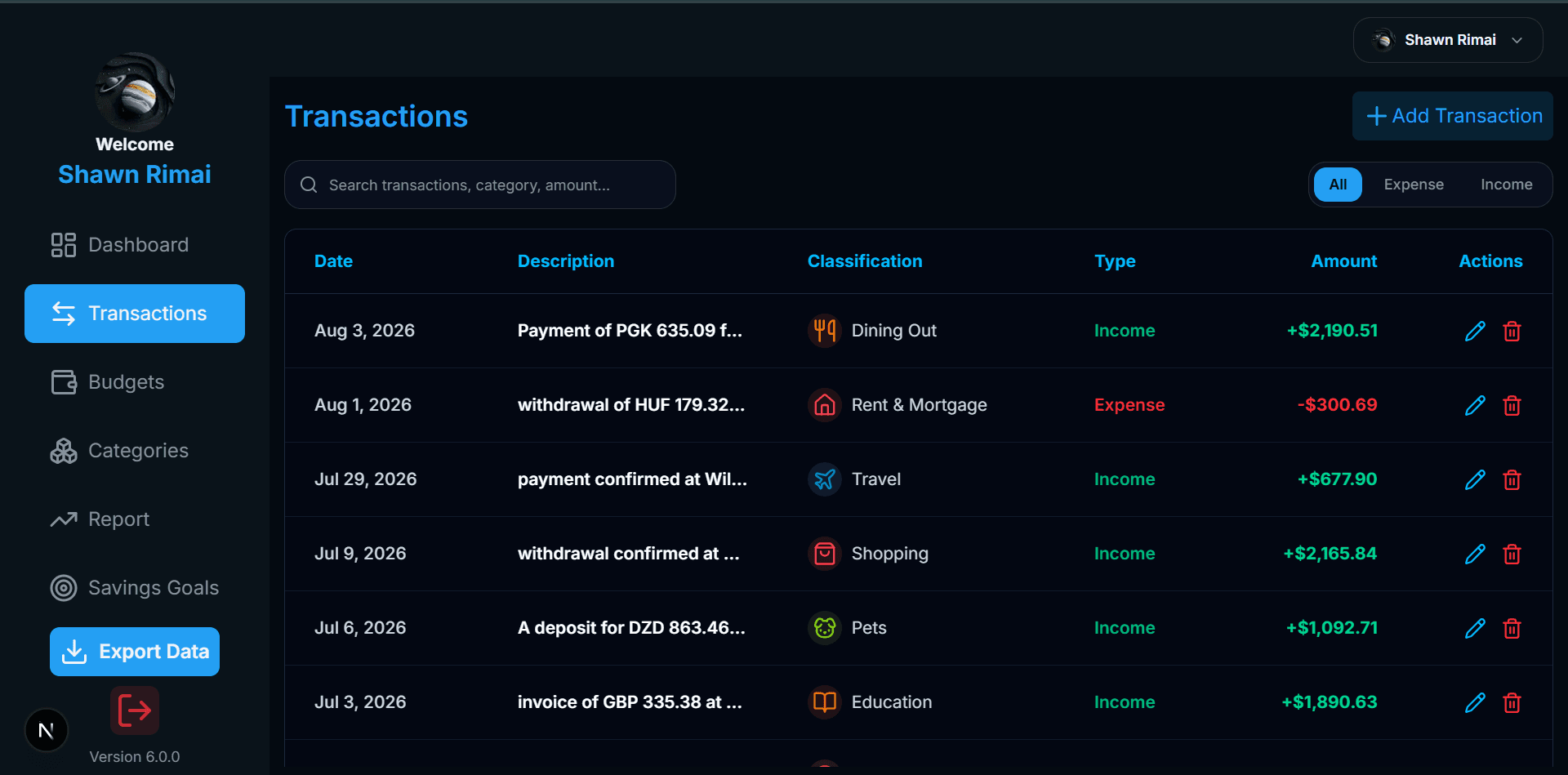
2. Review Transaction History
Access a complete history of your financial activity, search or filter by transaction type, and quickly edit or remove entries.
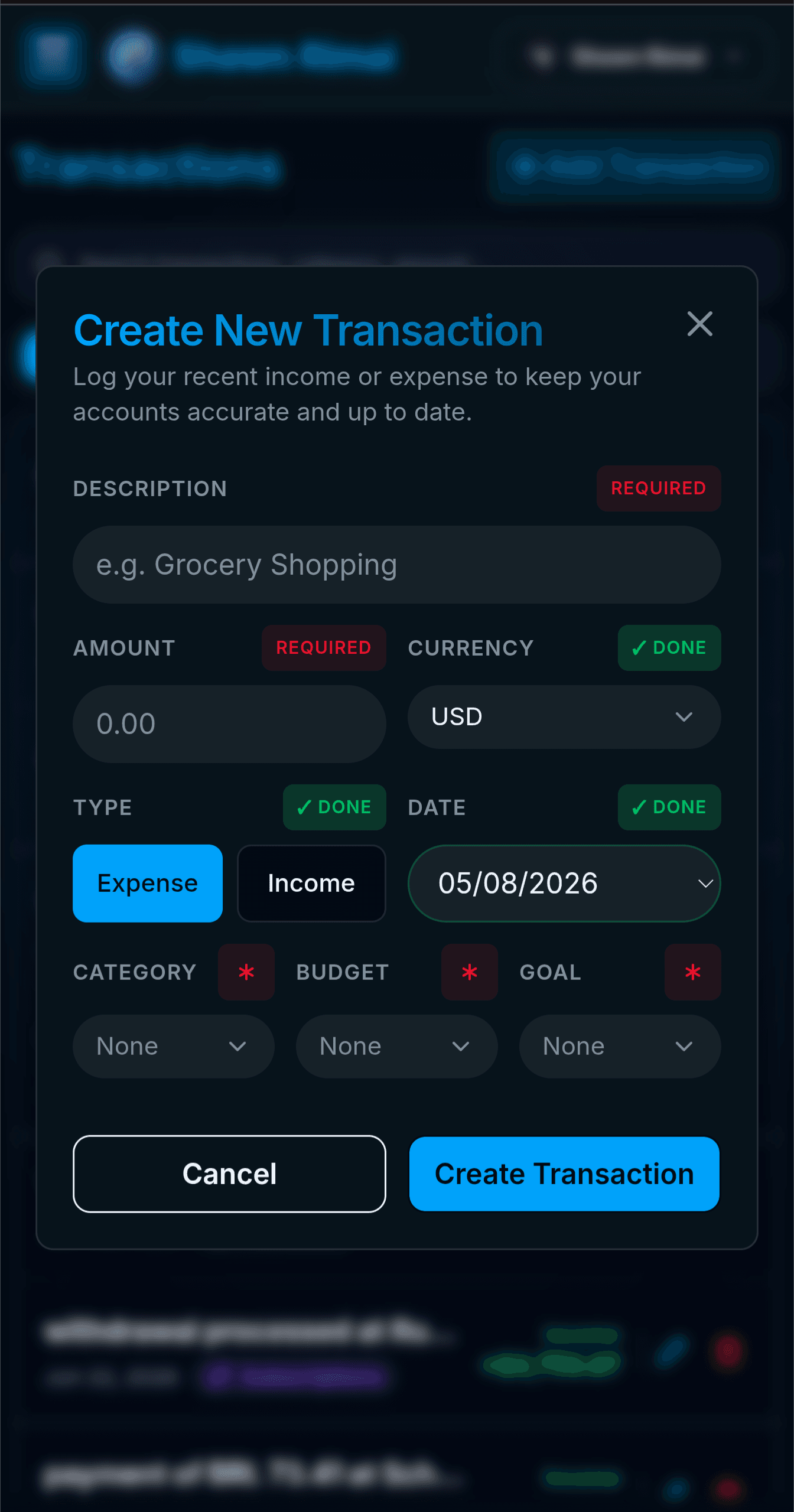
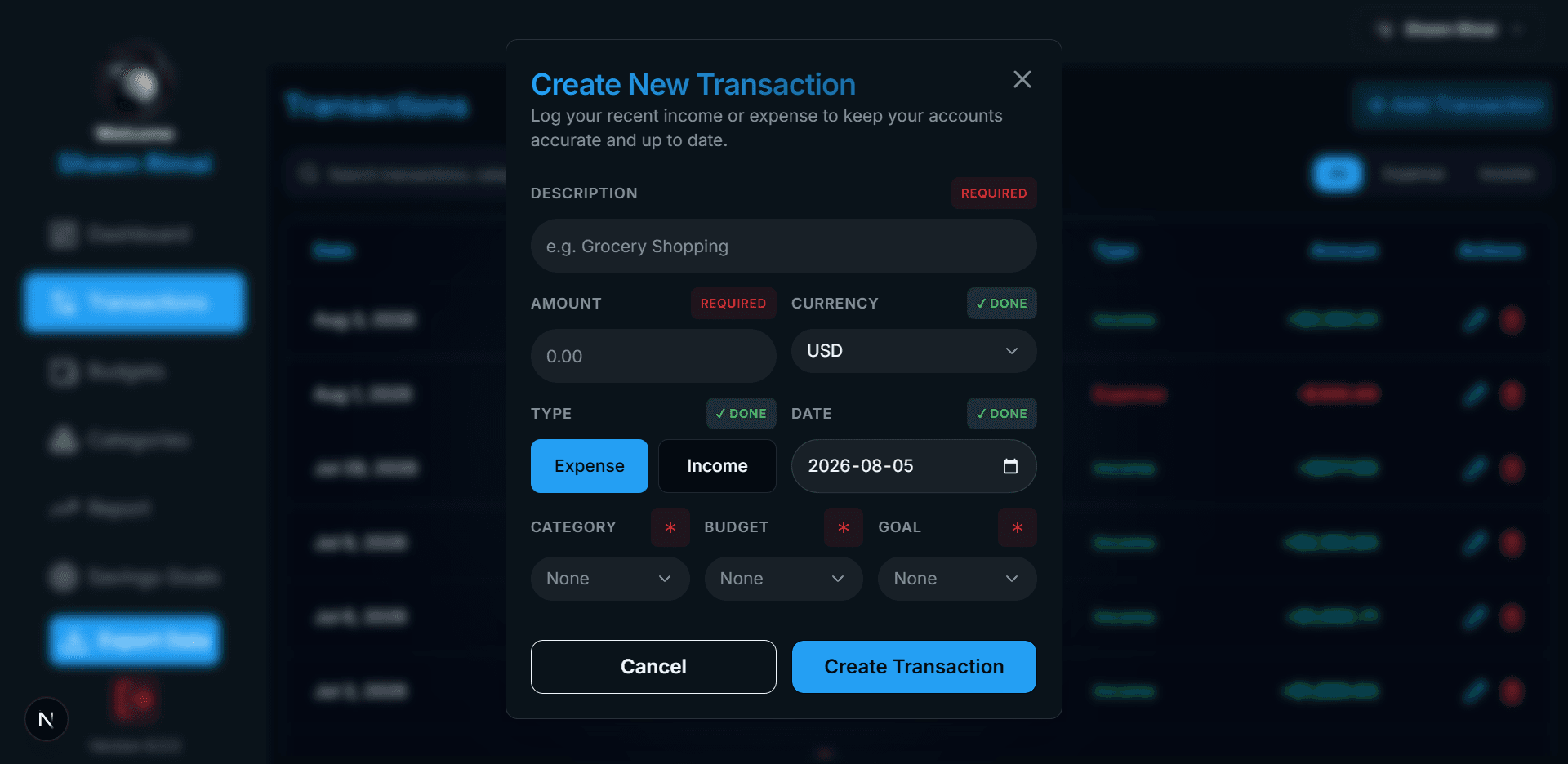
3. Track Transactions
Record income and expenses with detailed descriptions, currencies, amounts, dates, and assign them directly to categories, budgets, or goals.
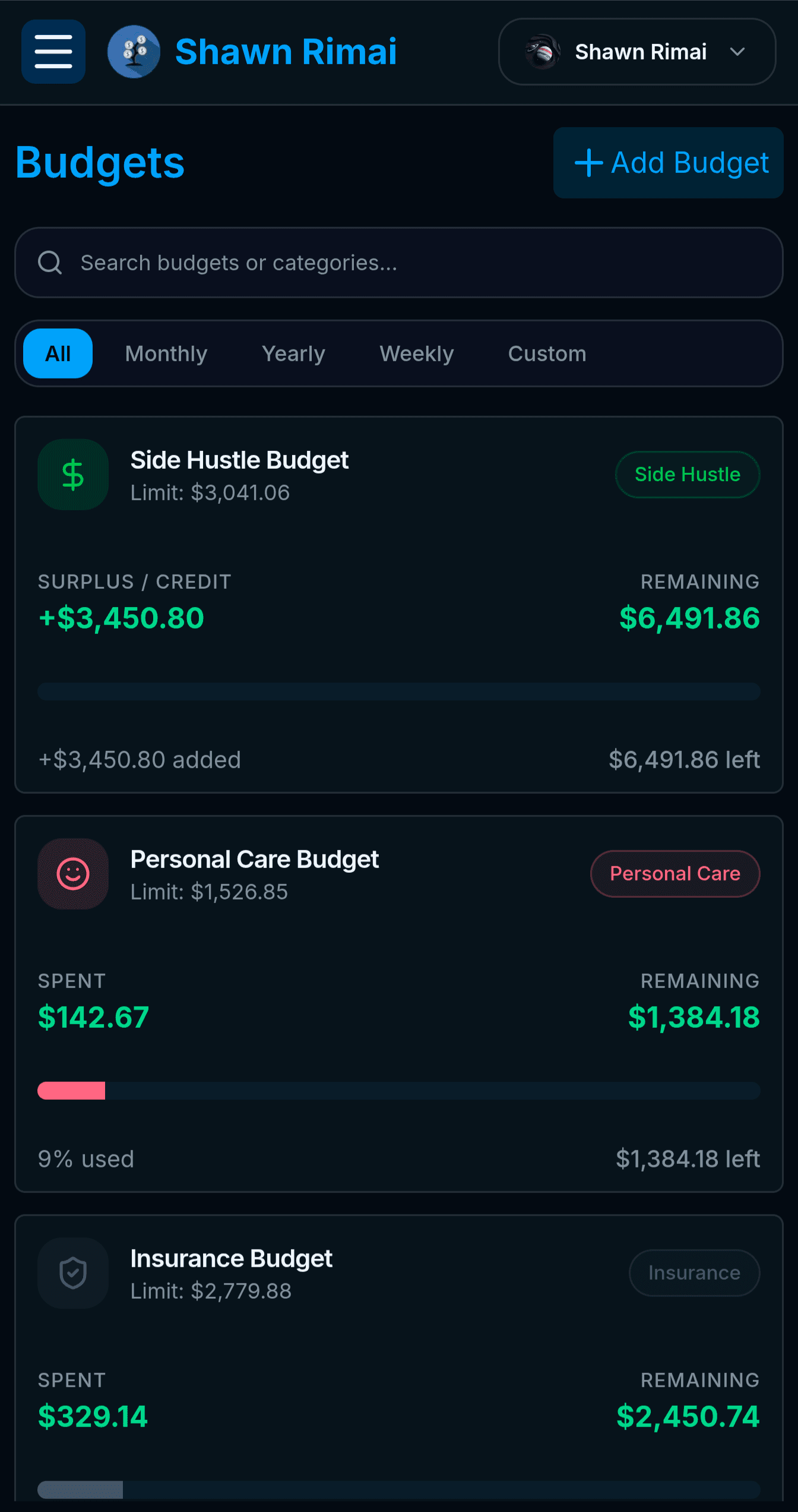
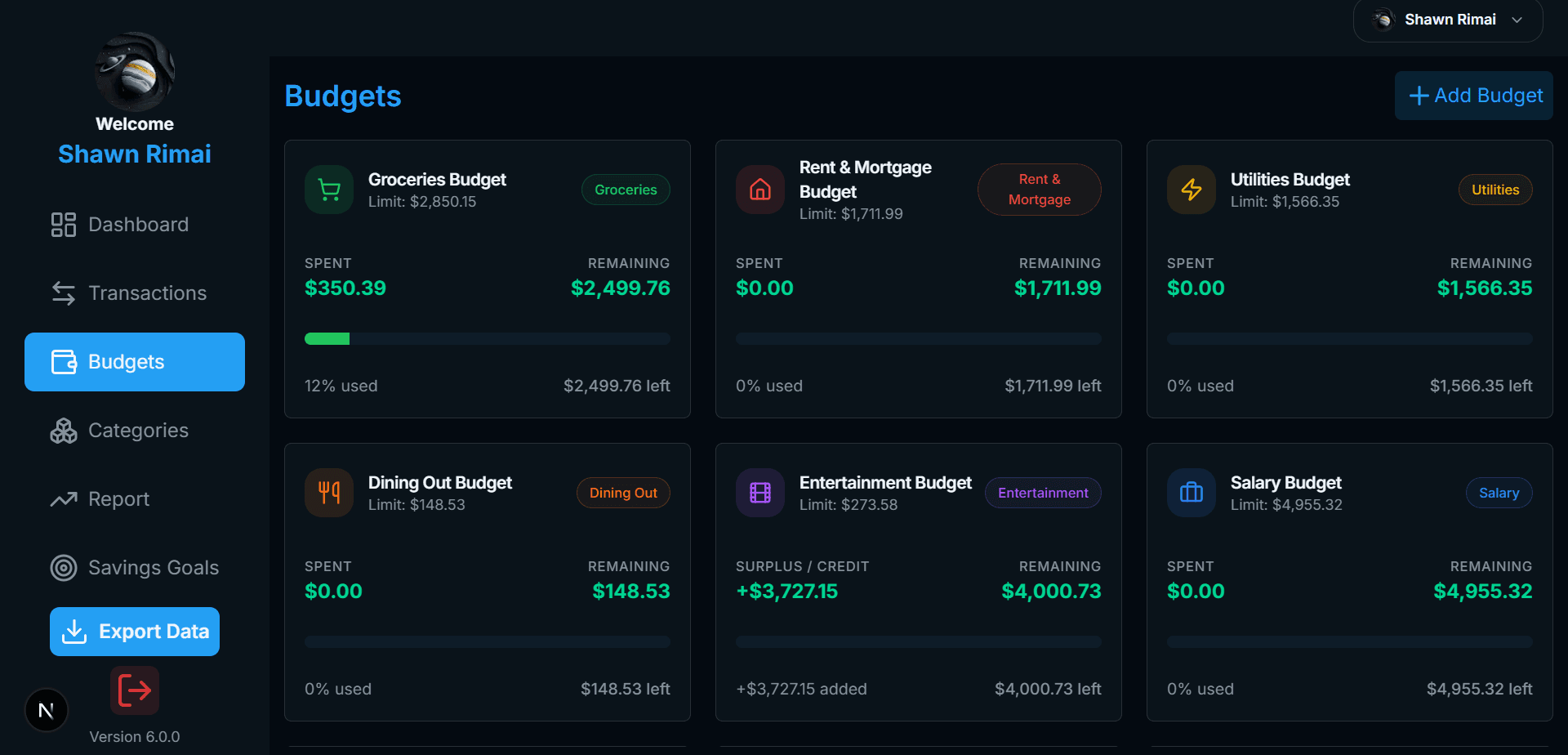
4. Manage Budget Categories
View active budgets, track spent vs. remaining funds in real time, and monitor monthly usage percentages across categories.
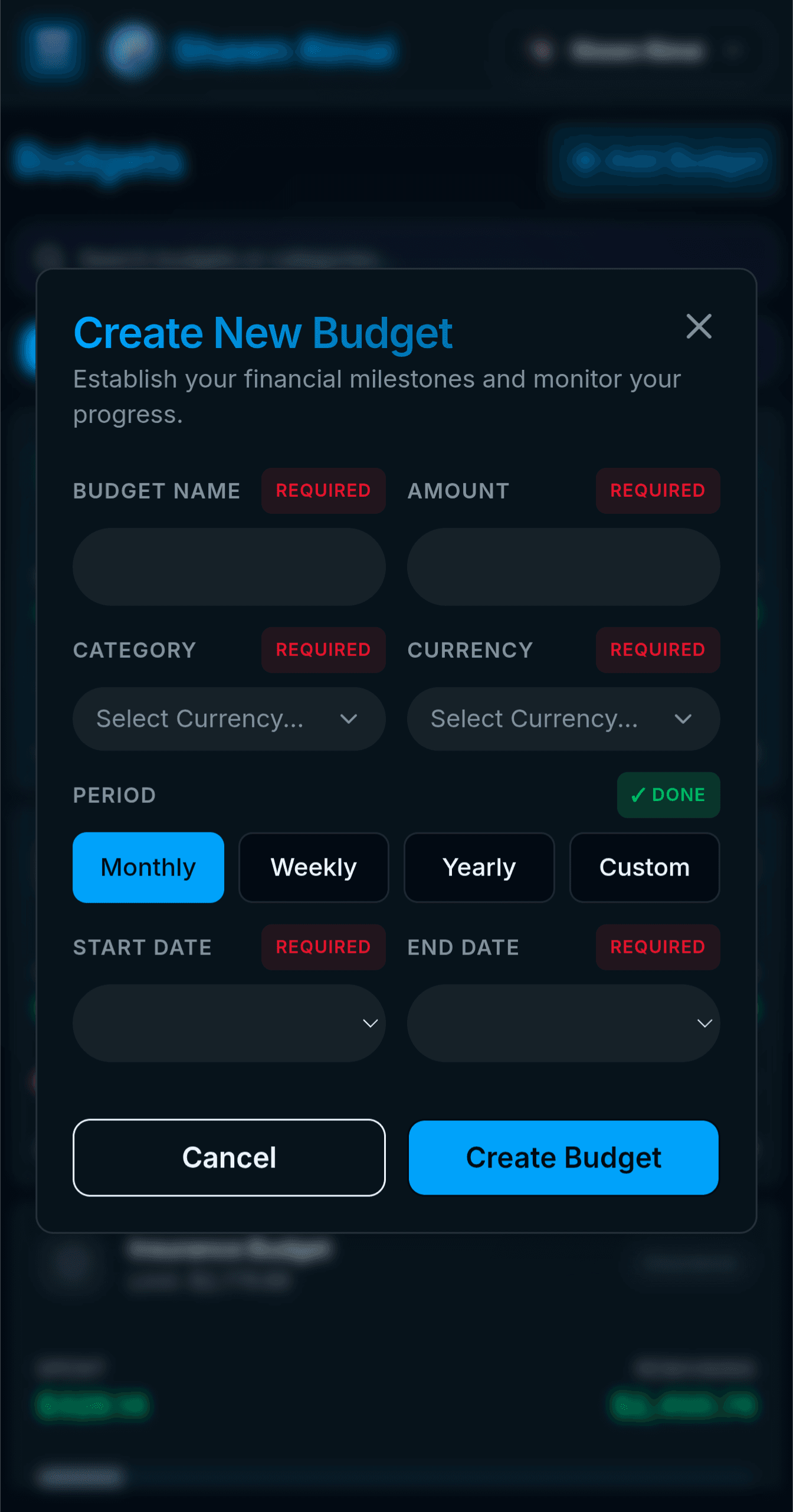
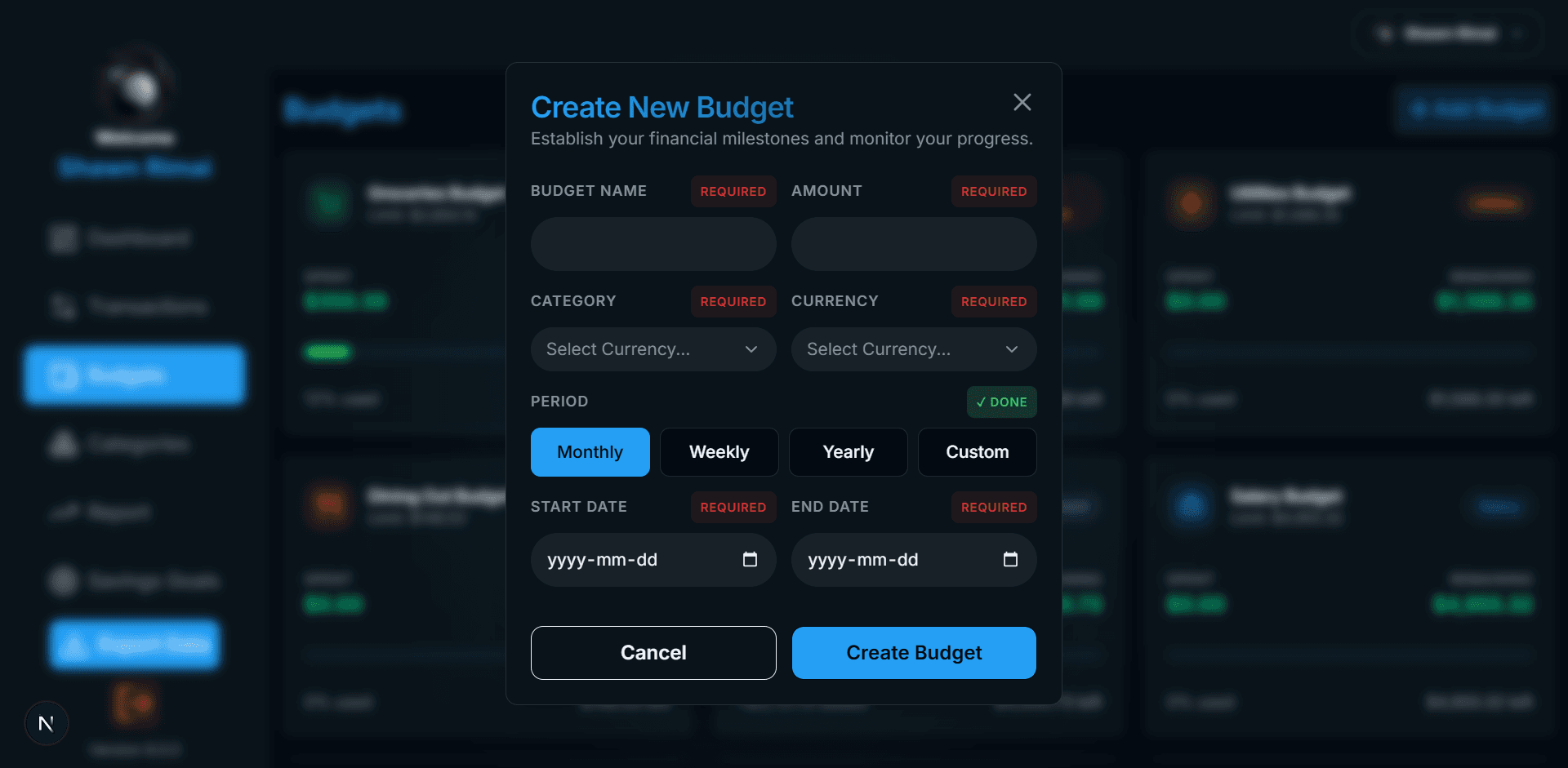
5. Create & Edit Budgets
Set up new spending limits across custom periods (monthly, weekly, yearly) or update existing budget allocations dynamically.
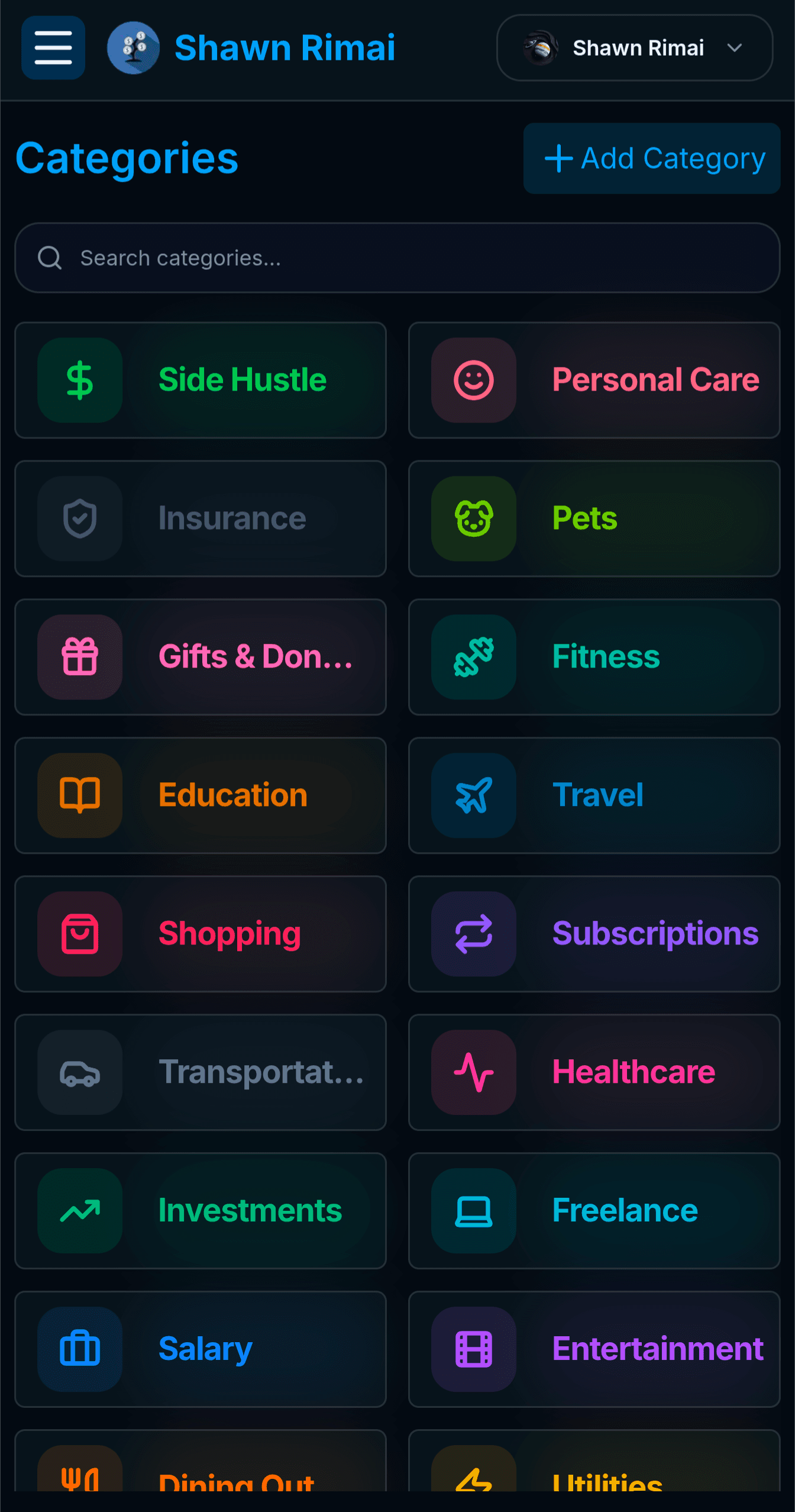
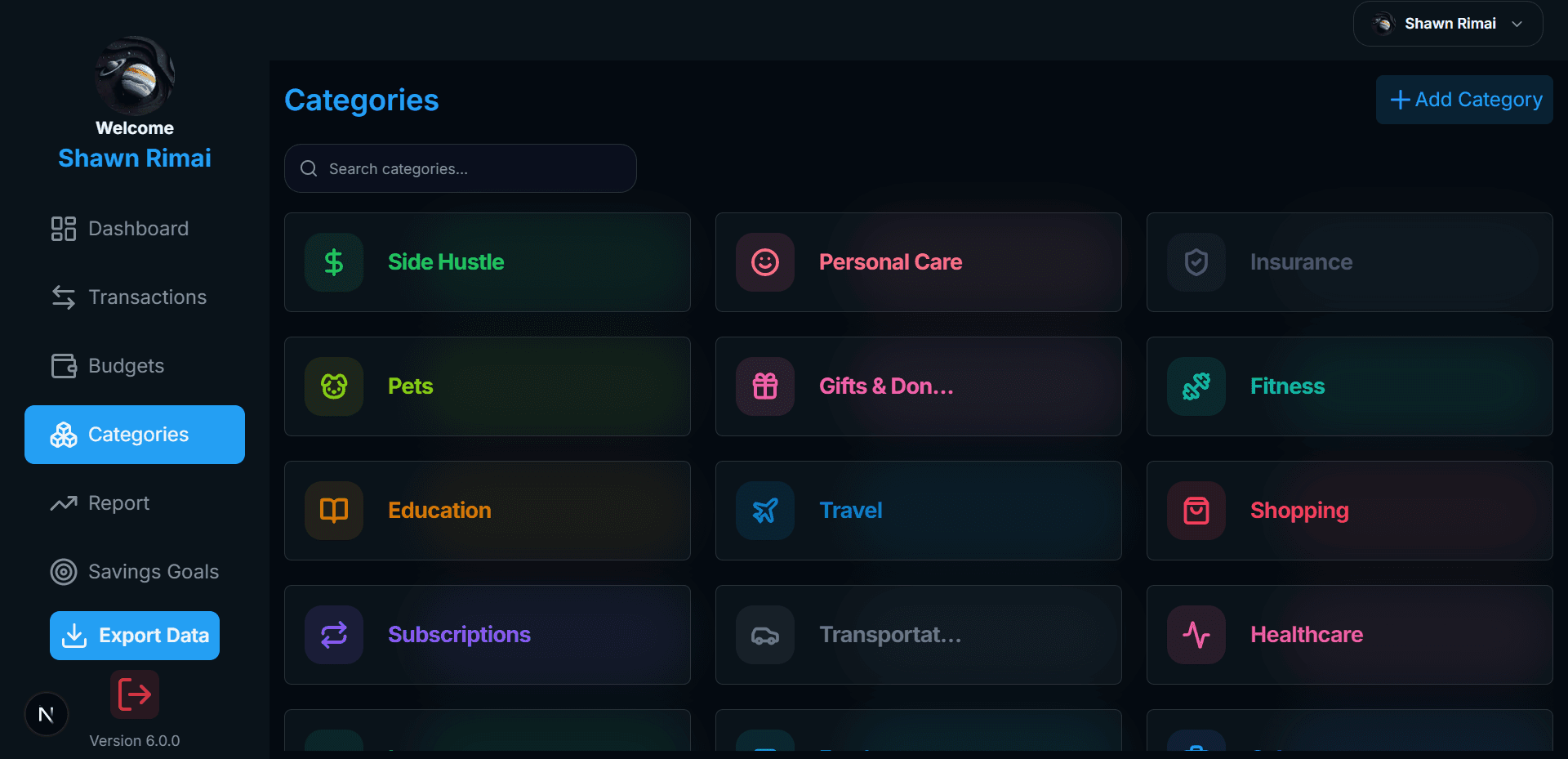
6. Organize Custom Categories
Browse and organize custom spending and income categories paired with distinct Lucide icons and vibrant colors.
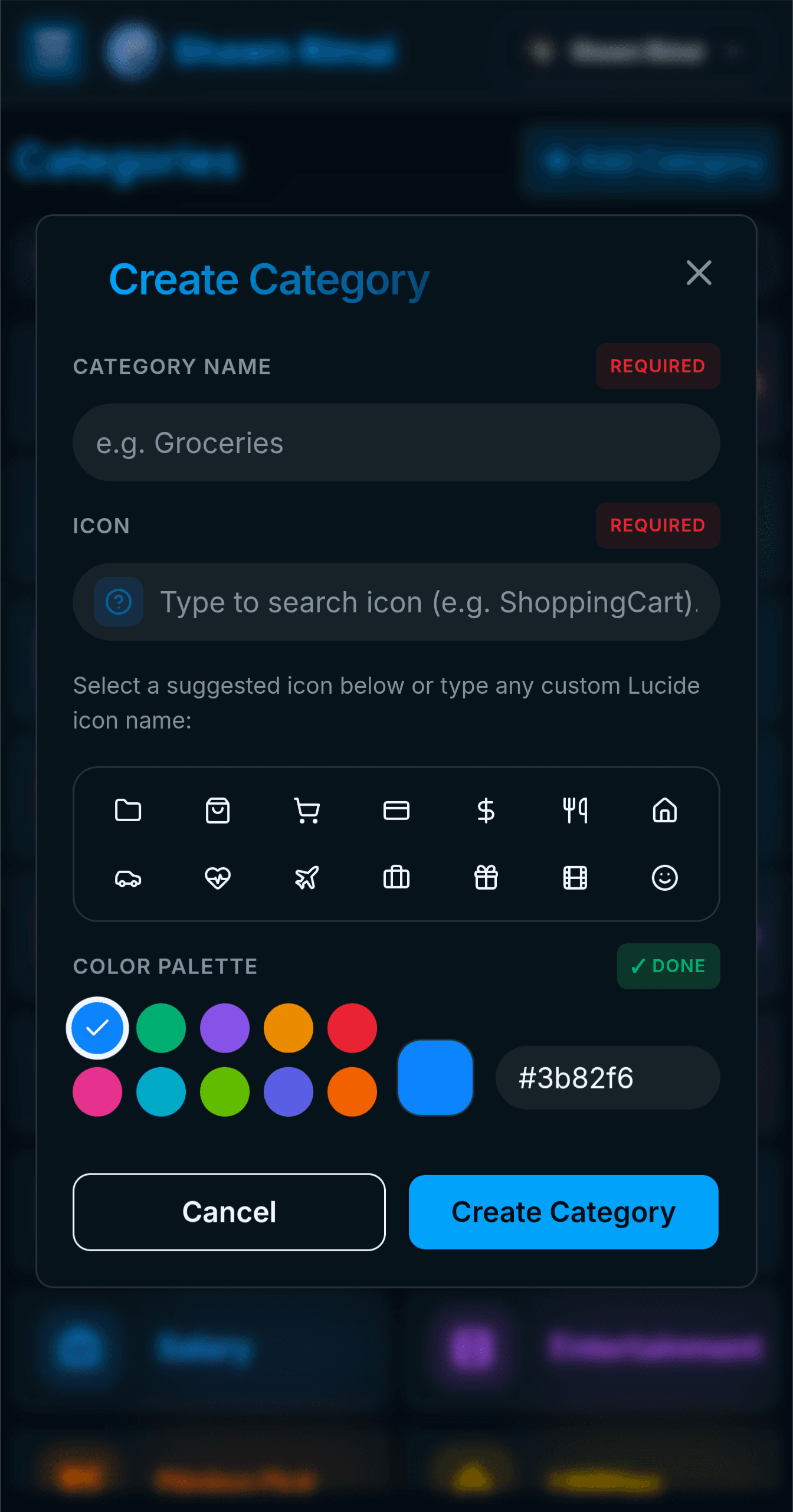
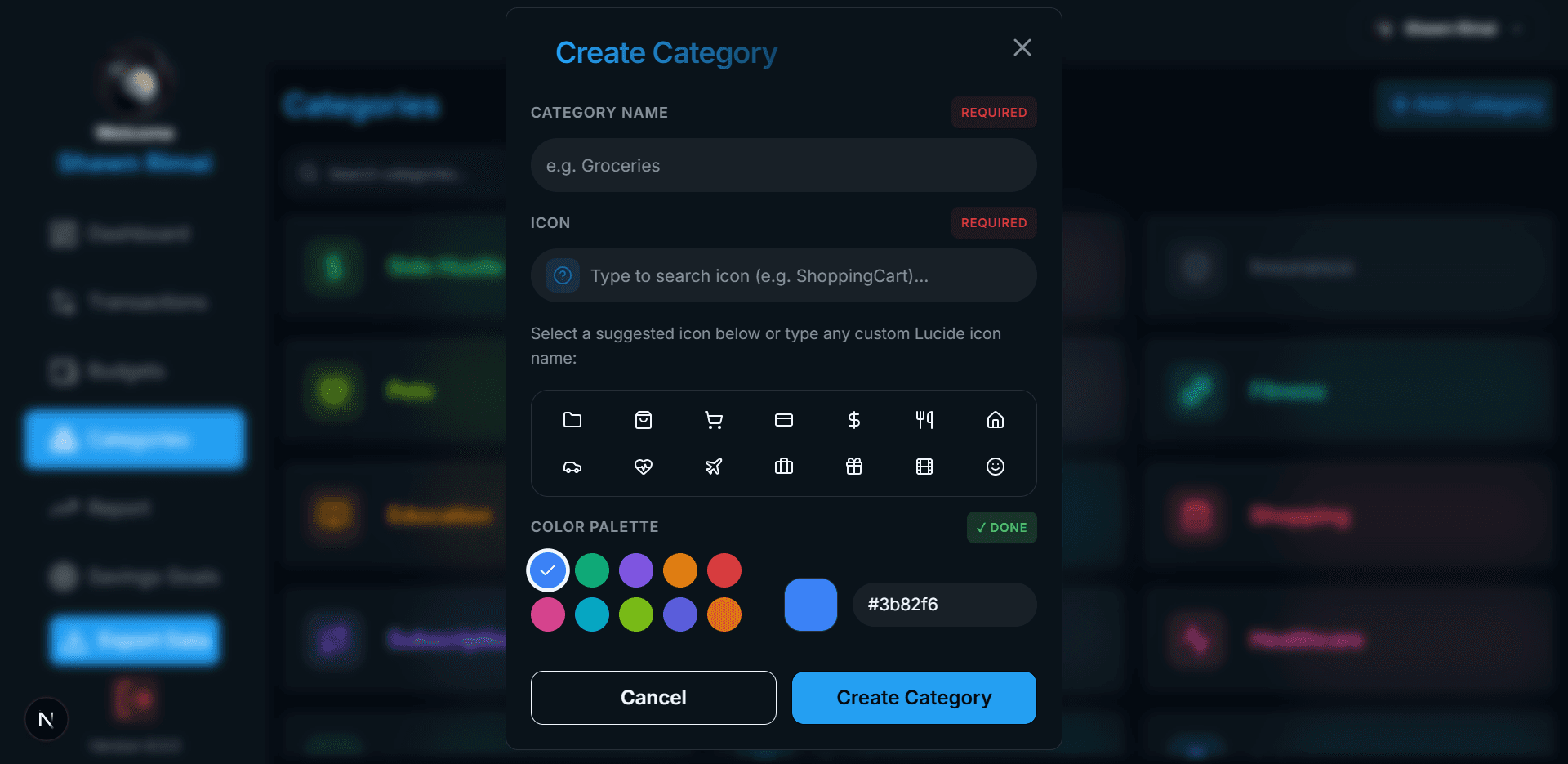
7. Create & Update Categories
Design personalized categories by assigning unique icons and hex color codes to keep your budget visual and intuitive.
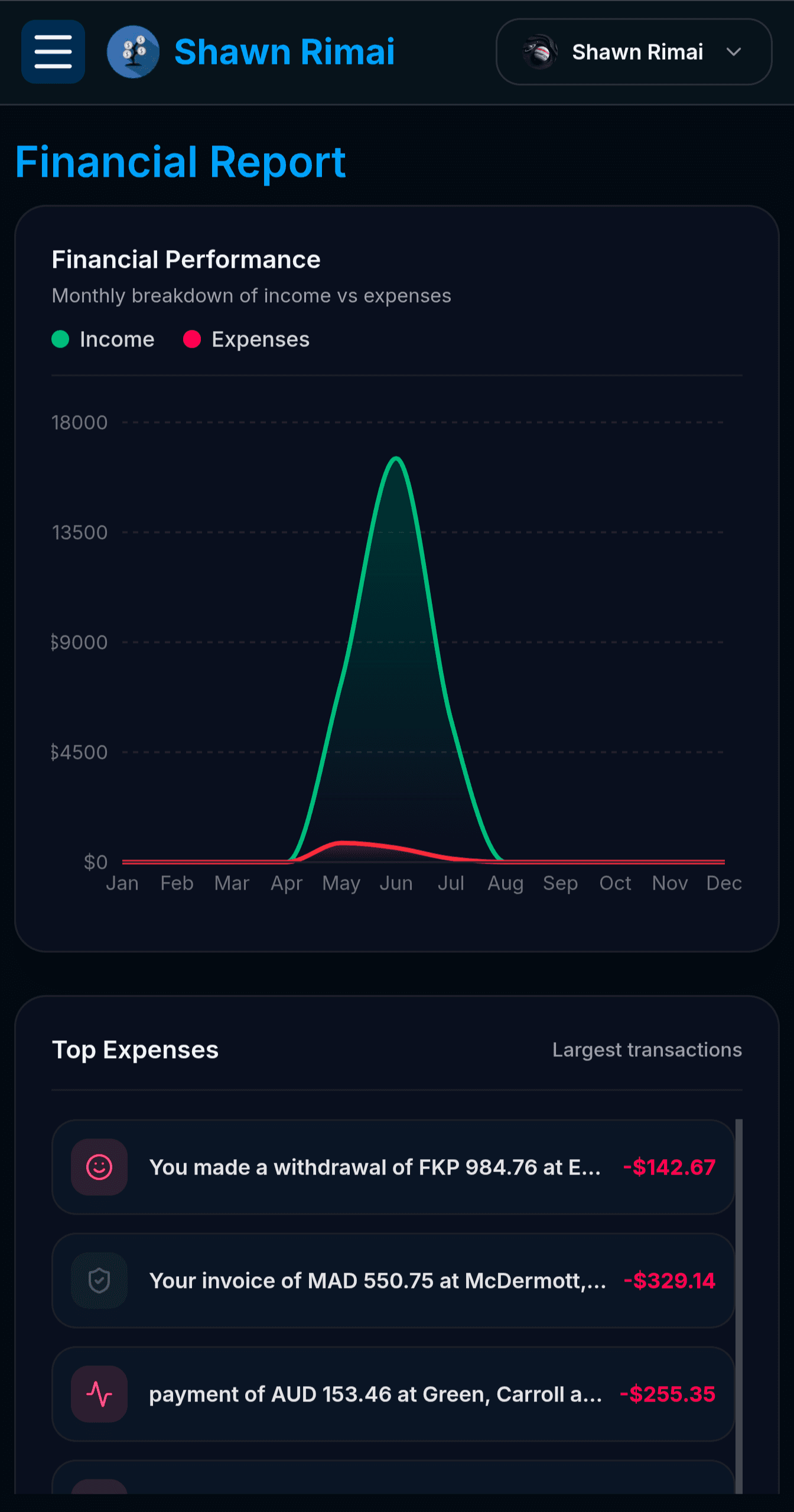
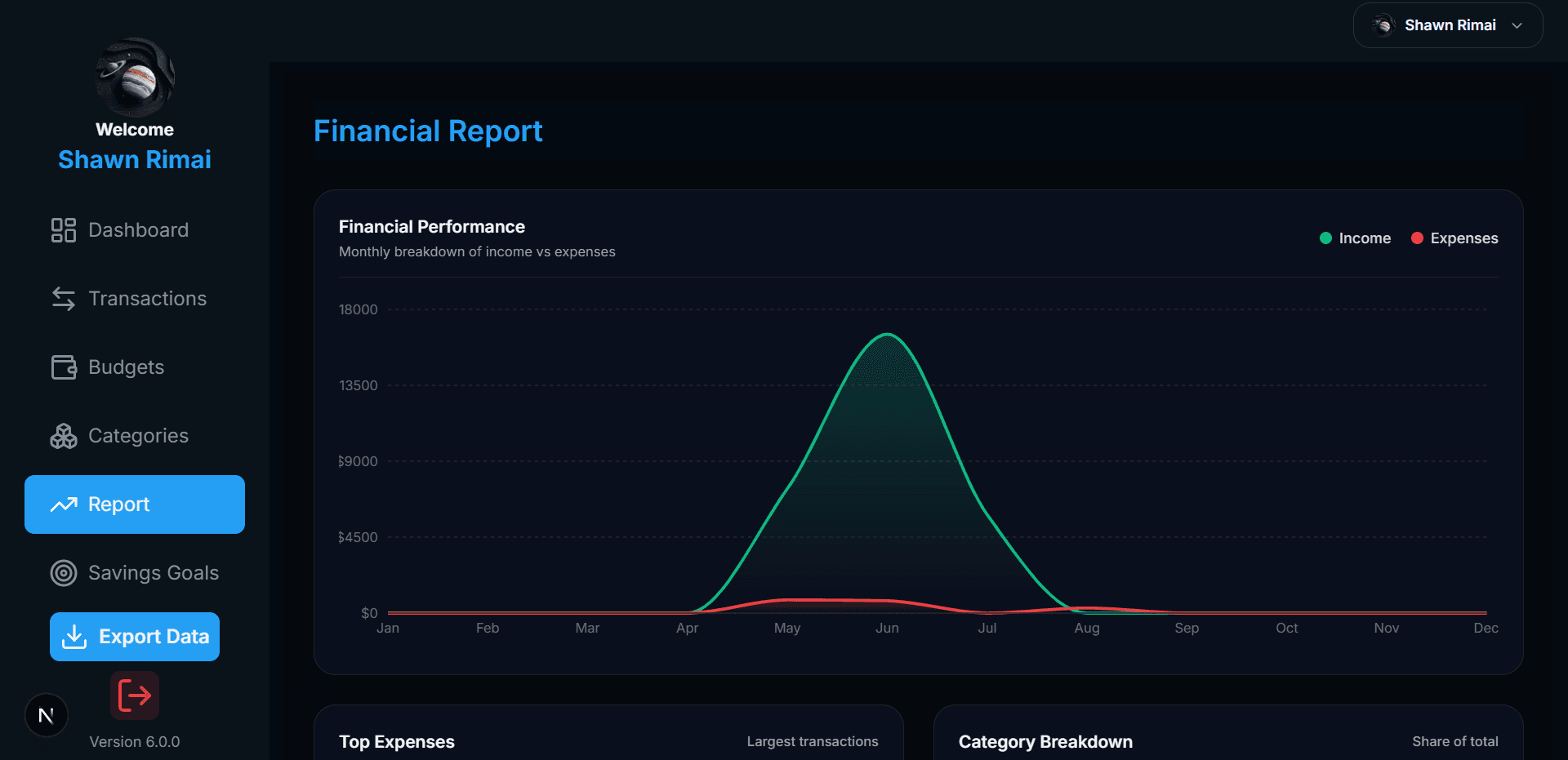
8. Analyze Financial Reports
Visualize performance trends over time with interactive charts, top expense highlights, and comprehensive category breakdowns.
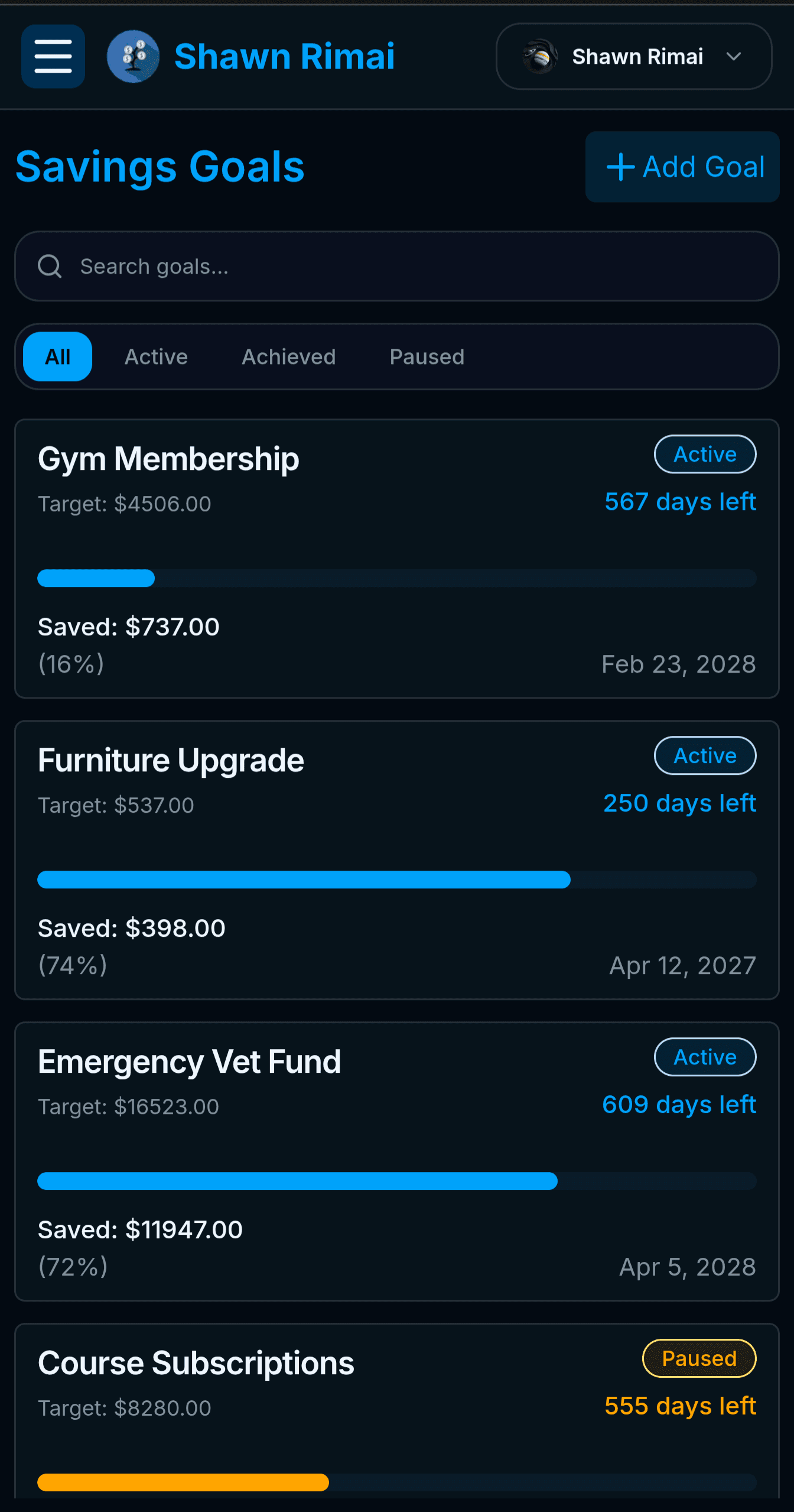
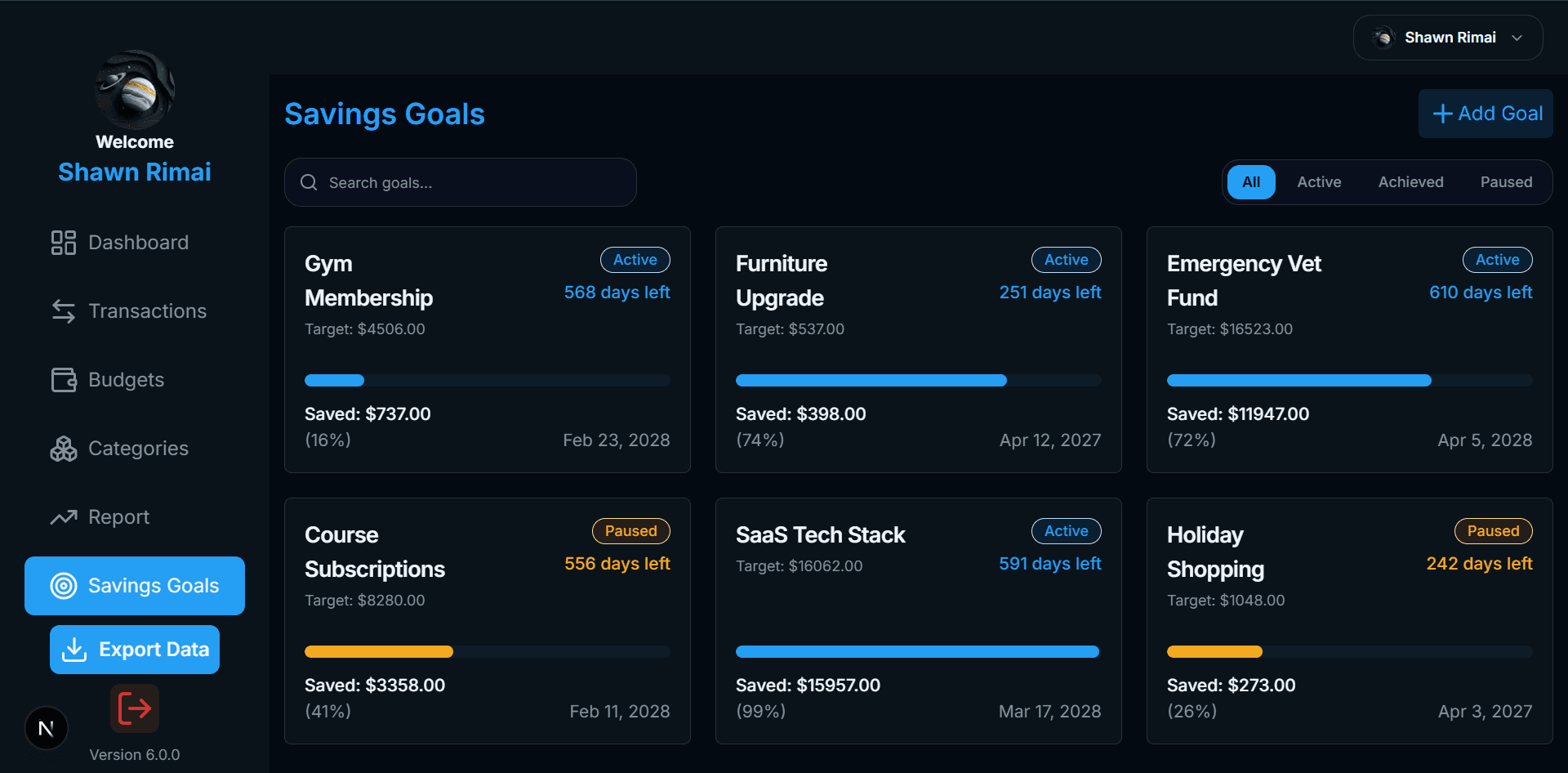
9. Track Savings Goals
Set target deadlines, track progress percentages, saved balances, and goal statuses to reach key financial targets.
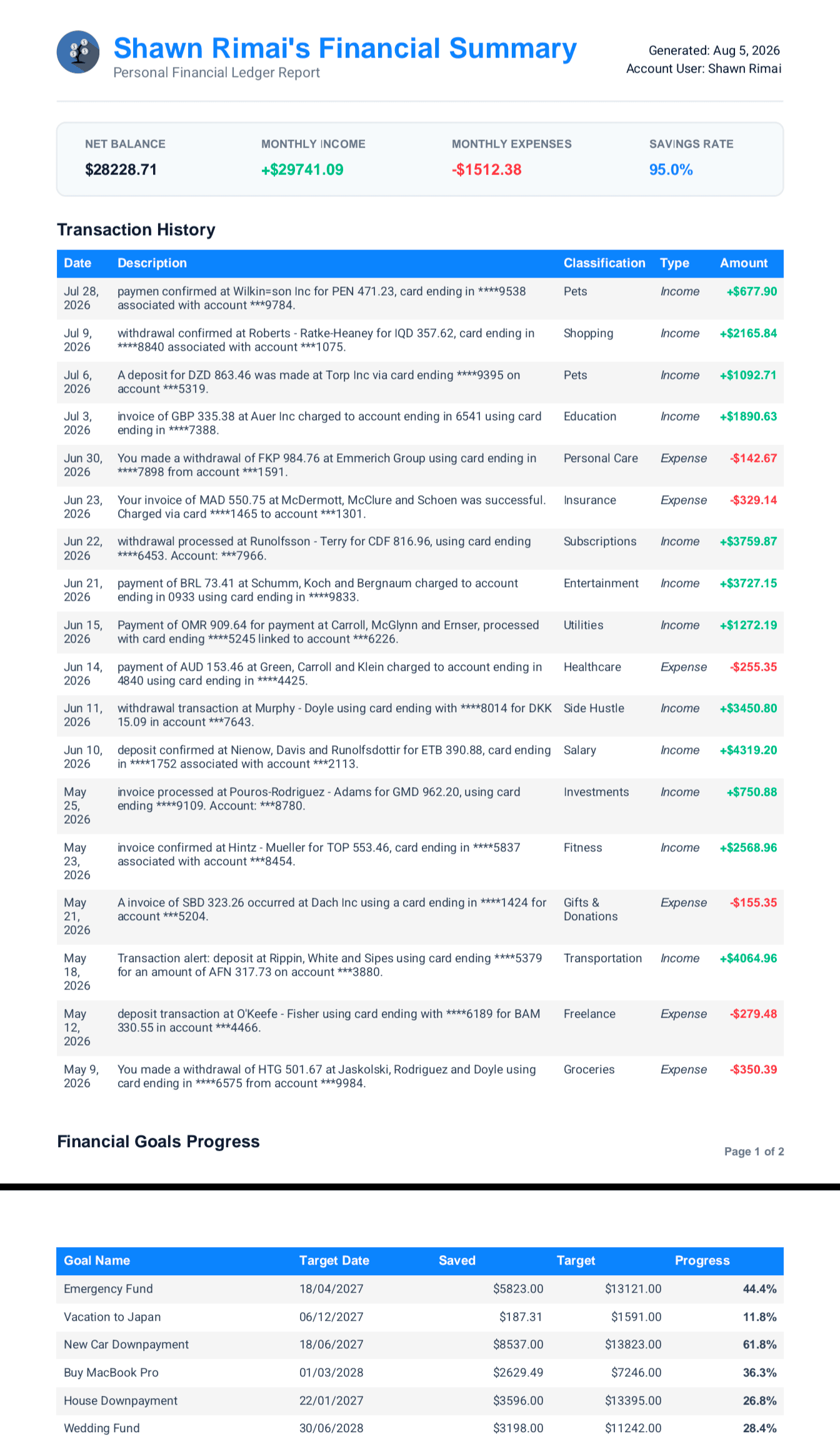
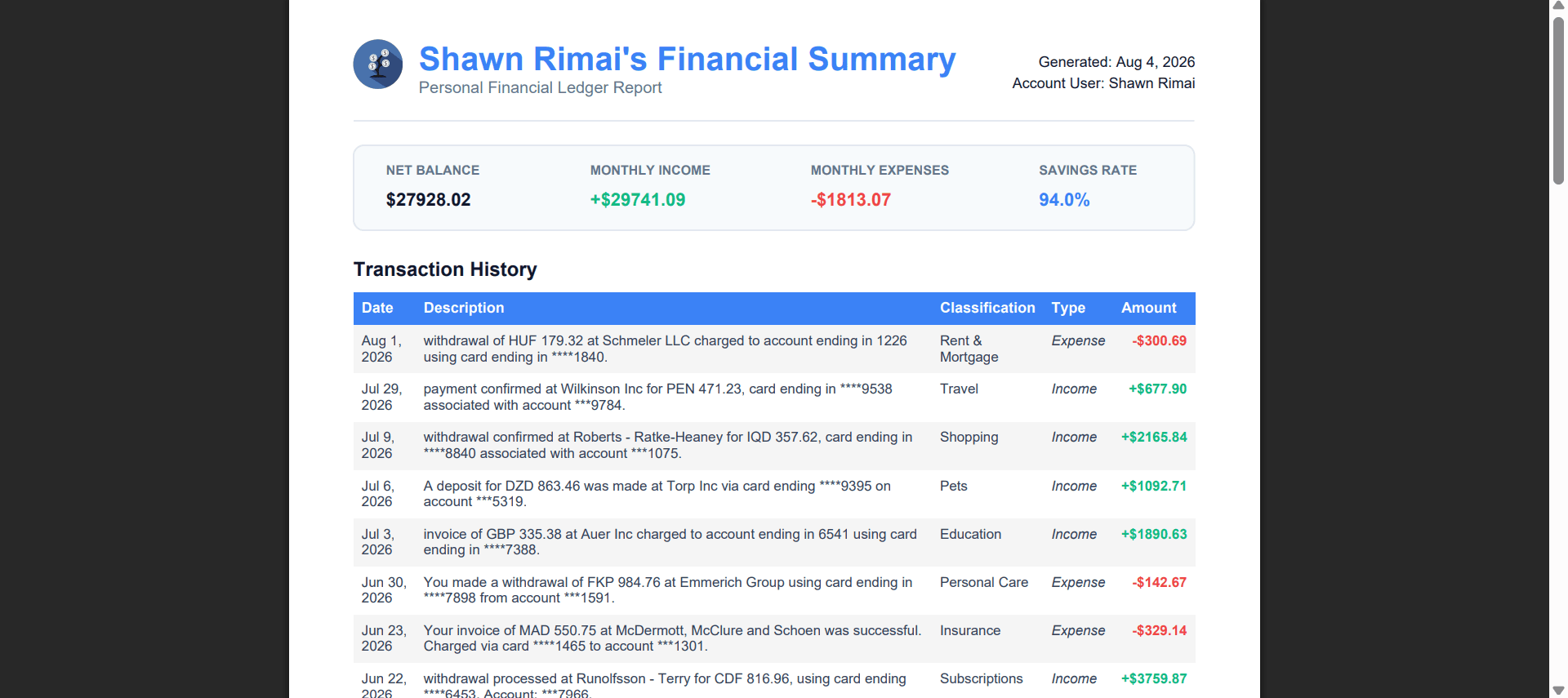
10. Export Statements & Reports
Generate clean PDF financial summaries detailing balances, monthly performance breakdown, and full transaction history.
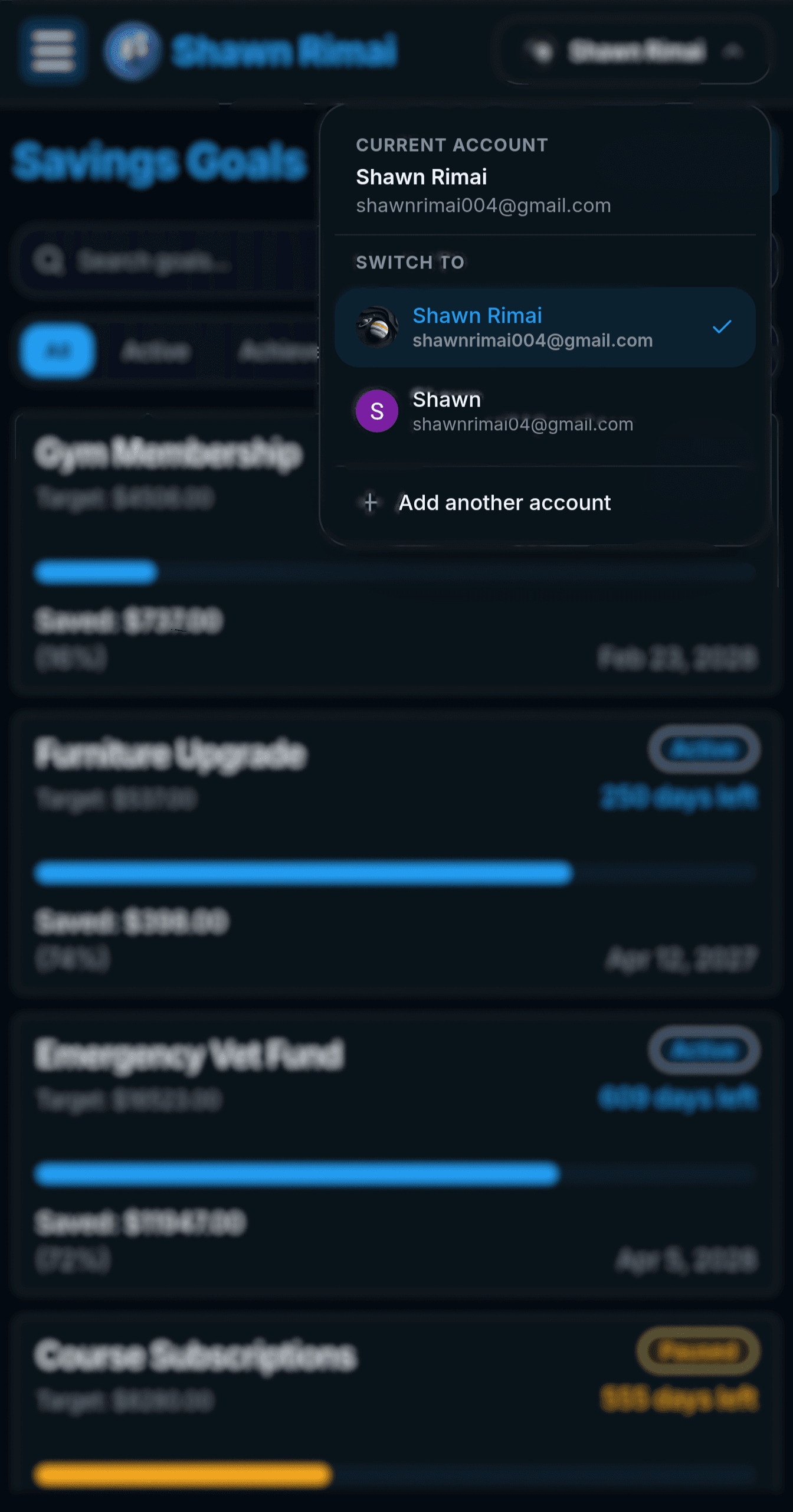
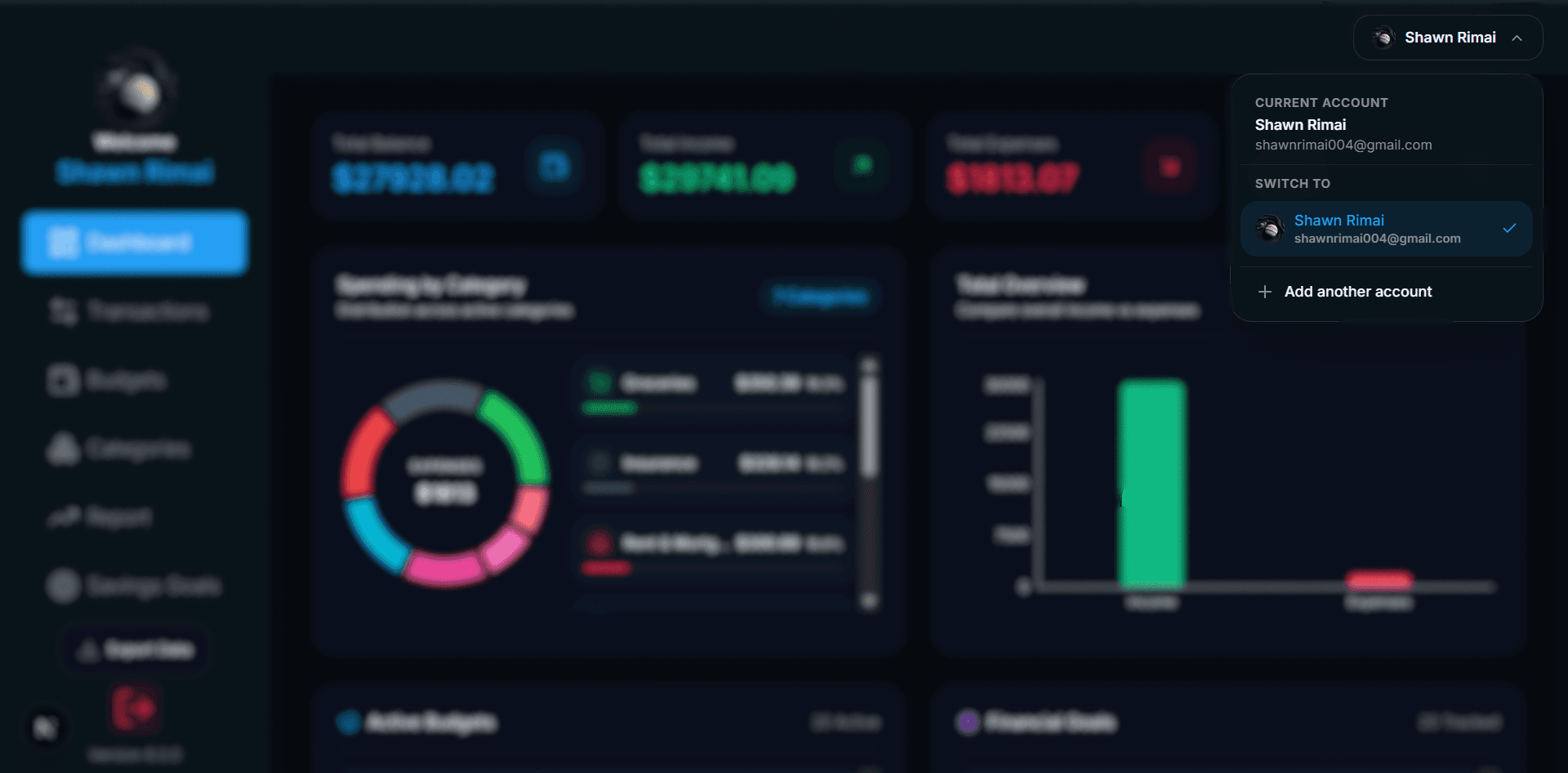
11. Multi-Account Management
Seamlessly switch between multiple user accounts or add secondary financial profiles directly from the header avatar drop-down.